

What does adding an AI chatbot to your website involve?
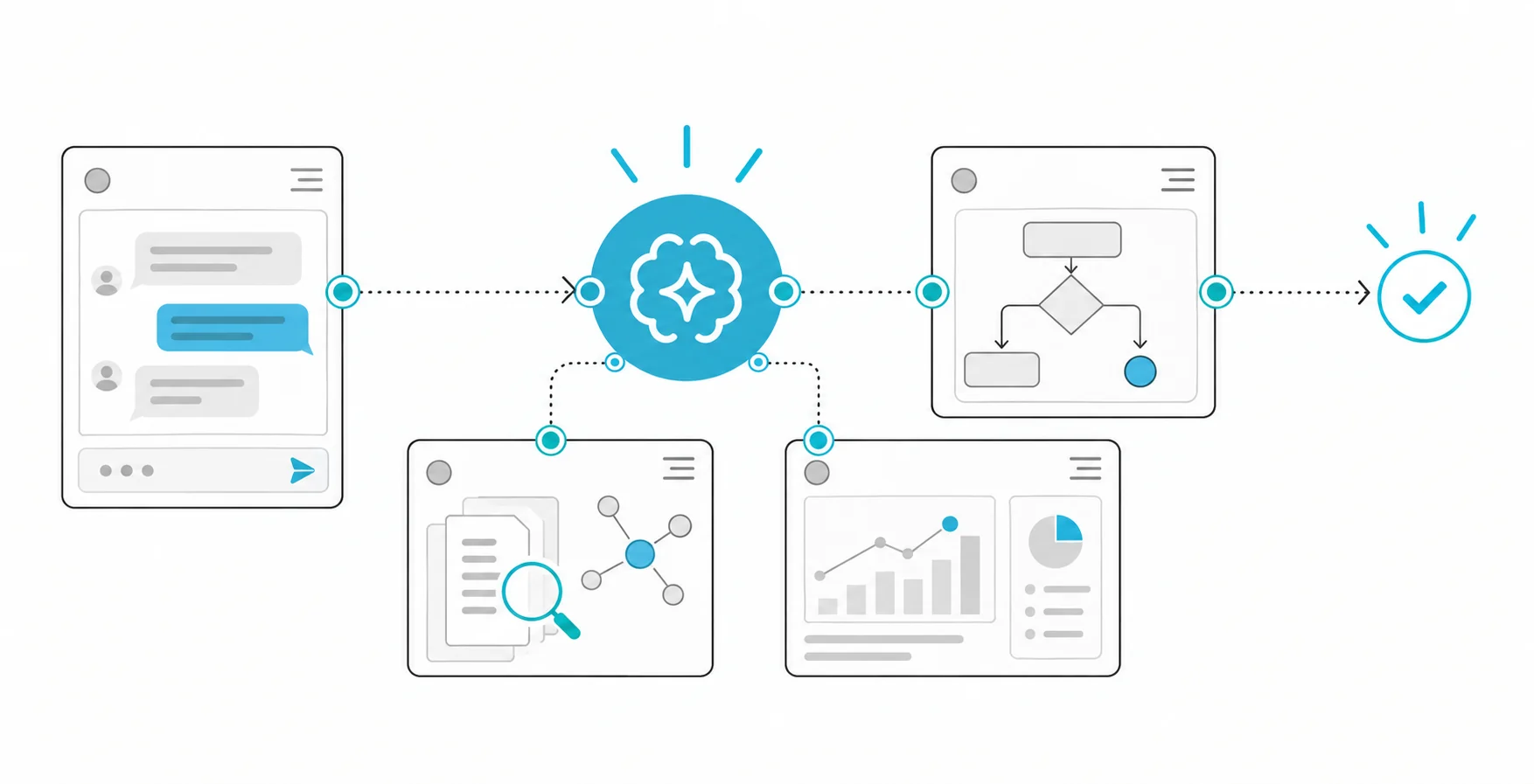
Adding an AI assistant to your website means placing a chat box that takes a visitor's question in plain language and answers it from your own business information. There are two routes: you embed a ready-made chatbot widget with a snippet of code, or you build an assistant that searches your own documents and answers with sources. The first can go live within days; the second depends on how ready your data is and usually takes weeks.
Older rule-based chatbots worked from pre-written menus. An AI assistant is built on a language model and understands free-form questions. On its own, though, the model does not know your campaign terms, your returns policy or your opening hours. A good assistant therefore finds the relevant passages in your content at the moment a question arrives and bases its answer only on those. This method is called RAG (retrieval-augmented generation).
Three decisions matter before any technology choice: which questions the assistant will answer, which source it will answer from, and who the visitor is handed to when it cannot answer. If those are clear, choosing a tool is easy. If they are not, even the most expensive widget becomes a shop window that gives wrong answers.
Should you use a ready-made widget or an assistant built on your own data?
The options do not rank above one another; each fits a different need. The table below is enough for a first screening.
| Option | When it fits | What to watch |
|---|---|---|
| Menu-based chatbot | Few, fixed questions | Gets stuck on unexpected questions |
| Ready-made AI widget | General questions, quick start | Where data is processed, retention period |
| Hosted platform with your content | Your site pages hold the answers | Citations and permissions may be limited |
| RAG assistant on your own data | Needs products, contracts, stock data | Data preparation and testing effort |
| Model on your own servers | Data must not leave your network | Hardware and operating responsibility |
The rule is simple: if the answers are already written on your site, a ready-made tool may be enough. If they depend on information that is not on the site, such as price lists, technical documents, order status or contracts, you need an assistant connected to your own data. We cover the cost items separately in our article on the cost of an enterprise AI assistant.
How do you manage the risk of wrong answers (hallucinations)?
Language models can produce answers that look right but are invented. OWASP's misinformation risk page explains a main cause: the model fills gaps in its training data with statistical patterns. The same page says that retrieving information from trusted sources reduces the risk, while critical topics still call for human oversight and verification. It also cites a case where an airline lost a legal dispute after its chatbot gave travellers wrong information. In a visitor's eyes, what your assistant says is what you said.
In practice, put these safeguards in place:
- Answer only from sources: if the retrieved passages do not contain the answer, the assistant should say "I don't know" and direct the visitor onwards.
- Show sources: display the page each answer came from. See our article on verifying sources in RAG answers for details.
- Narrow the scope: on prices, discounts, legal commitments and health, the assistant should not make binding promises but hand over to a person.
- Provide a human handover: a phrase such as "I want to speak to someone" must always work and open contact details or a request form.
- Allow for hostile input: OWASP's prompt injection page describes an attacker trying to make a customer support chatbot ignore its earlier rules, and notes that RAG does not fully close this gap. Give the assistant no authority to act, and let it read only public content.
What should you check for KVKK and information notices?
If a visitor types a name, phone number, order number or health detail into the chat box, you are processing personal data. Article 10 of Law No. 6698 (KVKK) requires the data controller to tell people who it is, why the data is processed, to whom it may be transferred, how it is collected and on what legal basis, and what other rights the person has. Consider placing a short link to that information next to the chat box, and check whether your notice covers chat data.
Article 12 of the same law requires the controller to ensure an appropriate level of security; where another person processes personal data on your behalf, you share responsibility with them. If a widget provider processes data for you, the contract should state this clearly. The KVKK Authority's guide on generative AI and personal data says that personal data processing in these systems is assessed under Law No. 6698 and aims to guide data controllers. If the provider processes data abroad, the transfer conditions in Article 9 should also be assessed. For an overview, read our article on the KVKK generative AI guide.
Ask the provider these questions: in which country is the data processed, how long are chat logs kept, is the data used to train models, and how are deletion requests handled? Get the answers in writing. Tell visitors plainly that they are talking to an AI, and remind them not to type unnecessary personal details.
Which steps should you follow before going live?
- List the questions: collect the 50 to 100 most frequent questions from support emails, phone notes and your site search logs.
- Prepare the knowledge source: remove outdated, contradictory and confidential documents. The assistant will know only what is written there.
- Write the scope and limits: decide what it answers and what it hands to a person.
- Build a golden question set: write the expected answer and source for each question. This set is your acceptance test. For measures, see our article on RAG evaluation metrics.
- Complete the notice and contract: put an information link in the chat box and settle data processing terms with the provider.
- Start with a small audience: launch on one page or a small share of traffic, and read the logs every week.
- Measure and correct: add unanswered and wrongly answered questions back into the knowledge source.
How do you measure the share of questions resolved?
The most useful indicator is the share of chats the visitor resolved without needing a person. Place each chat in one of three groups: the assistant answered correctly, the assistant said "I don't know" and handed over, or the assistant answered wrongly or incompletely. Reading and classifying 30 to 50 chats by hand each week teaches you more in the first months than automated metrics.
For example, suppose you receive 400 chats a month. Of 50 chats you review by hand, 31 were resolved correctly, 12 were handed to a person and 7 were answered wrongly or incompletely. In this hypothetical case the resolution rate is 62%, the handover rate 24% and the error rate 14%. Aim to cut the error rate first and raise the resolution rate second, because a wrong answer costs more than no answer. After you add the failed questions to the knowledge source, re-run the same set and you will see the improvement in numbers.
The cost items are: preparing the knowledge source, development and integration, language model usage fees, hosting, monitoring and regular content upkeep. The total varies with the number of sources, the languages and the integrations you need, so quoting a general figure would be misleading.
What are the common mistakes?
- Launching the assistant before cleaning the knowledge source; an old campaign or price page turns into a wrong answer.
- Letting the assistant make up an answer on topics it does not know; being able to say "I don't know" is a feature.
- Offering human handover only in office hours and hiding it.
- Leaving out the information notice link and not knowing how long chat logs are kept.
- Not reading the logs after launch; the assistant does not improve by itself and the content has to be kept current.
- Giving the assistant freedom to answer on binding topics such as prices, contracts and refunds.
How Hatson Tech helps
Hatson Tech builds assistants that answer from your documents and internal data with sources, as part of our RAG and semantic search solutions. Where needed, we can run the model on your own servers. The first meeting and discovery are free; we do not publish fixed prices, and we agree the scope with you before quoting.
To go deeper, see our articles on AI hallucination and RAG permission filters.