

What can AI realistically do in customer service today?
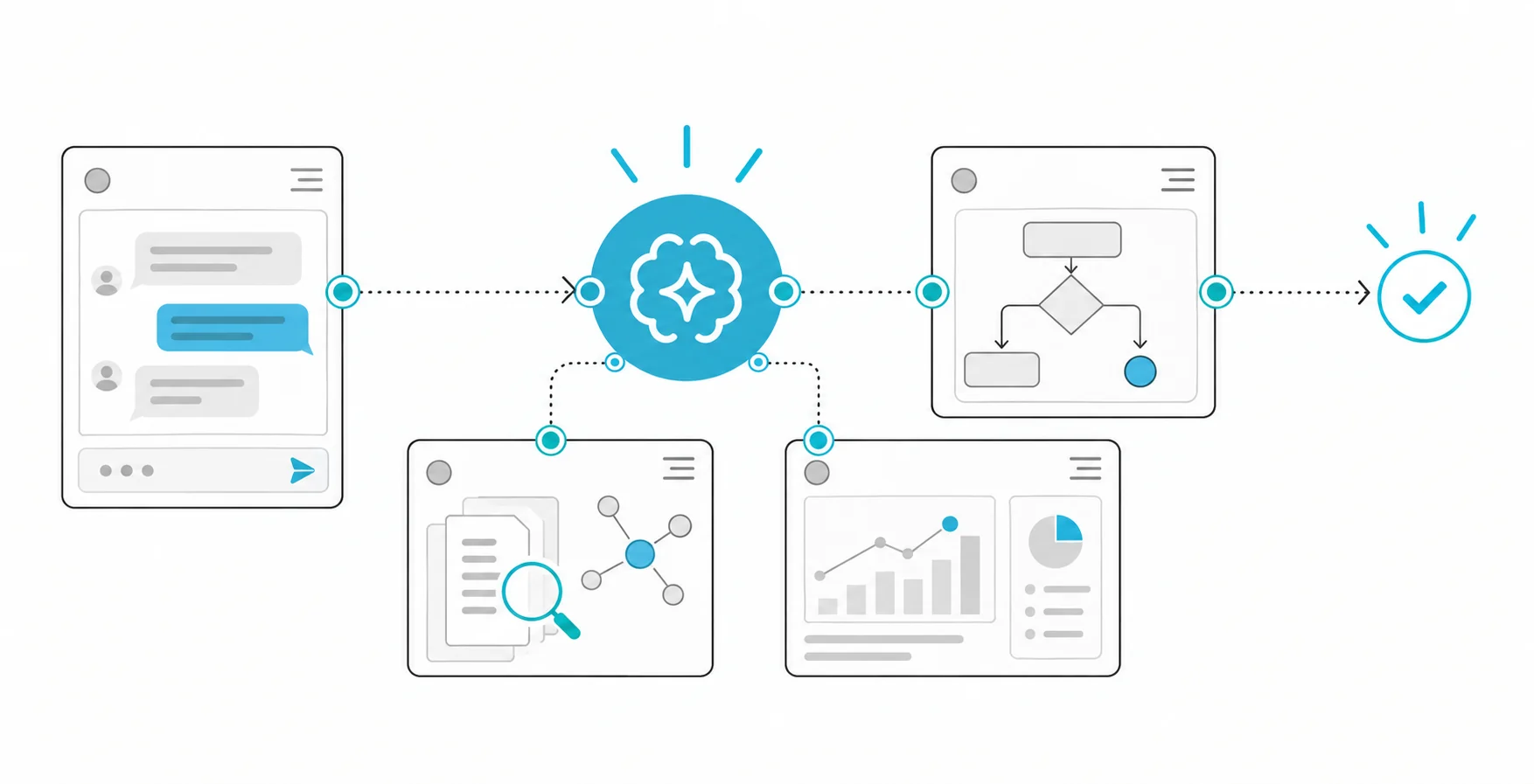
Set up carefully, AI does four jobs well in customer service: answering questions from approved information, carrying out simple transactions through your systems, helping human agents during a conversation, and back-office work such as classification, routing and summaries. It does badly when it is asked to make judgement calls, settle disputes or calm an upset customer with no person behind it.
The four roles carry very different levels of risk:
- Self-service answers. The customer asks and the system answers from an approved knowledge base: opening hours, return conditions, how to reset a password.
- Self-service transactions. After authentication, the system looks up an order, rebooks an appointment or updates an address through your back-end systems.
- Agent assist. A human agent talks to the customer while AI suggests replies, finds the relevant policy and drafts the after-call summary.
- Back office. Classifying incoming emails and tickets, routing them to the right team, tagging contact reasons and selecting conversations for quality review.
There is solid public evidence for agent assist. A study by Erik Brynjolfsson, Danielle Li and Lindsey Raymond, published as NBER working paper 31161, followed 5,179 customer support agents and found that access to an AI conversational assistant increased issues resolved per hour by 14 percent on average, with a 34 percent improvement for novice and low-skilled workers and minimal impact on experienced and highly skilled workers. That is a result about helping people do the work, not about removing them from it. It also hints at where to start: the agents who gained most were the least experienced, so agent assist is worth considering as support for new team members.
Which customer requests should be automated, and which kept human?
Automate requests that are frequent, follow a written rule and are cheap to correct if the system gets them wrong. Keep with people the requests that involve judgement, money or legal consequences that are hard to reverse, strong emotion or vulnerable customers. Between the two ends, let AI prepare and a person, or the customer, confirm.
That middle ground is why a yes-or-no decision does not work. Use four modes instead:
- Automated: the system answers or acts on its own.
- Automated with confirmation: the system prepares the action, the customer confirms it, and limits apply.
- AI-assisted human: a person handles the case while AI drafts, summarises and finds information.
- Human only: AI at most routes the case and passes on the context.
The table below is a starting split by request type. It is a starting point for your own list, not a standard; a bank, a hospital and an online retailer will put the same request in different rows.
| Request type | Example | Suggested mode | Why |
|---|---|---|---|
| General information | Opening hours, delivery areas, return conditions | Automated, from approved content only | Frequent, rule-based, easy to correct |
| Status lookup | Where is my order, what is my application status | Automated after authentication | Read-only; the data comes from the system of record |
| Simple change | Change the delivery address, rebook an appointment | Automated with confirmation | Reversible, but it must touch the right record |
| Cancellation or refund within policy | Cancel an order that has not shipped | Automated with confirmation and limits, or AI-assisted human | Money is involved; limit by amount and type |
| Technical troubleshooting | A device will not connect | Automated first steps, a person if unresolved | Guided steps work until they do not |
| Complaint | Late delivery, poor service | AI-assisted human | Emotion and judgement; the customer expects to be heard |
| Dispute or billing error | Charged twice | AI-assisted human | Recognising and investigating a dispute takes judgement |
| Security incident | Lost card, suspicious transaction, account takeover | Human, with priority routing | Urgent and potentially harmful; may be regulated |
| Vulnerable situation | Bereavement, illness, financial hardship | Human only | Needs discretion and flexibility |
| Legal or regulatory request | A KVKK data subject request, a legal notice | Human only; AI may route it | Legal deadlines and liability |
| Sales and offers | An upgrade or a new product | AI-assisted human, or automated information without pressure | Risk of misleading claims |
How do we score our own request types?
Take the last few months of contacts, group them by reason and score each group on the criteria below. The scores do not decide for you, but they make the discussion concrete and stop it from being settled by whichever complaint happened most recently.
| Criterion | 1 | 2 | 3 |
|---|---|---|---|
| Volume | Rare | Regular | Very frequent |
| Standardisation | Every case is different | A few variants | One written rule covers it |
| Cost of a wrong answer | Serious financial or legal harm | Annoying but fixable | Negligible |
| Reversibility | Cannot be undone | Can be undone with effort | Undone instantly |
| Emotional load | Customer often upset or vulnerable | Sometimes | Rarely |
| Data sensitivity | Special category or financial data | Identifiable personal data | None |
One simple rule keeps the scoring honest: any request type that scores 1 on cost of a wrong answer, reversibility or emotional load stays with a person, whatever its other scores. Among the rest, the highest totals are the first candidates for automation, and the middle band is where agent assist pays off.
How should escalation to a human agent work?
Customers must always be able to reach a person, the system must hand over on clear triggers, and the agent must receive the context so that the customer does not have to start again.
The US Consumer Financial Protection Bureau's 2023 report on chatbots in consumer finance documents what happens otherwise: customers stuck in loops with no way out, disputes that go unrecognised because they are not phrased in the expected words, and wrong answers in situations where the stakes are high. In Türkiye, some sectors already regulate the human path. The BDDK's regulation on the service level and quality of bank call centres requires, among other things, that callers aged 60 and over be offered a direct connection to a representative without any identification step in the main menu, that lost, stolen and suspicious transactions be the first option in the main menu with priority connection to a representative, and that card cancellation requests be taken without sending the customer to another channel. Check whether your sector has comparable rules before you design the flow.
Hand over to a person when:
- the customer asks for a person, in any wording;
- two attempts have not resolved the request, or the customer repeats the same question;
- the system cannot find a source for its answer;
- the conversation contains words that point to risk: fraud, theft, legal action, a complaint to an authority, health or bereavement;
- authentication fails, or the request concerns someone else's data;
- the requested action exceeds a limit, such as a refund above a set amount.
At handover, pass on a short summary, the conversation, the verified identity, what the system has already tried and why it handed over. Outside working hours, say honestly when a person will respond, and offer a callback or a ticket rather than another loop.
What does KVKK require when AI handles customer conversations?
Customer conversations are full of personal data, so the usual obligations apply in full: inform customers, minimise what reaches the model, set retention periods, secure any transfer abroad and keep data subject requests in a process run by people.
KVKK's guide on generative AI and the protection of personal data applies Law No. 6698 to these systems. The points that matter most for a customer channel:
- Information notice. Update the notice under Article 10 to cover processing by the AI system. The guide recommends separate, explicit notices for using the system and for using data to develop or improve models, so if transcripts will be used to improve the assistant, say so separately.
- Transfer abroad. If the model provider processes conversations abroad, the guide states that the transfer must comply with Article 9 of the Law and the 2024 regulation on transfers abroad.
- Minimisation. Mask card numbers, Turkish ID numbers and similar identifiers before text reaches the model, and do not pass the whole customer record when the order number is enough.
- Retention. Set retention periods for transcripts, recordings, summaries and model logs according to their purpose, and delete them on schedule.
- Authentication before disclosure. The assistant reveals account details only after the same verification a human agent would require.
- Sensitive data. Health information and biometric data, such as voiceprints used for authentication, are special categories with stricter conditions. Decide deliberately whether the AI channel handles them at all.
- Data subject requests. Route requests to access, correct or delete personal data to the team responsible for them, and make sure transcripts and logs can be searched.
If you also serve customers in the EU, Article 50 of the EU AI Act requires providers to ensure that people interacting directly with an AI system are informed of it, unless that is obvious from the context. According to the European Commission's implementation timeline, the Article 50 transparency rules apply from 2 August 2026. Telling customers that they are talking to an assistant is good practice in any case. This section is not legal advice; review the design with your legal team.
What can go wrong with a customer-facing assistant?
The main risks are wrong answers the company is held to, customers manipulating the assistant, actions taken without limits, and personal data leaking through conversation logs.
- The company owns the answer. In Moffatt v. Air Canada (2024), a Canadian tribunal rejected the airline's argument that its website chatbot was responsible for its own statements, and held the airline liable for incorrect information about bereavement fares. As McCarthy Tétrault's summary of the decision puts it, it made no difference whether the information came from a static page or a chatbot. Restrict the assistant to approved content, and when there is no source, have it say so and hand over. We cover how to do this well in designing a useful "no answer".
- Customers may try to manipulate it. OWASP lists prompt injection as the first risk for LLM applications and recommends restricting the model's privileges to the minimum necessary and requiring human approval for privileged operations. Any discount, refund or account change must be checked by your systems, not left to the model's judgement.
- Actions need limits. Set maximum amounts, allowed action types and daily caps, and log every action together with the conversation that triggered it. Above the limit, a person approves; our article on human approval before agent actions describes what the approval screen should show.
- Logs are personal data. The CFPB report notes that chat logs create another target for privacy attacks. Apply the same access control and retention rules to them as to your CRM.
How do you measure whether it works?
Measure whether customers' problems are actually solved, not how many conversations the bot closes. A conversation can count as "contained" simply because the customer gave up.
| Metric | What it shows | Trap to avoid |
|---|---|---|
| Self-service resolution | Share of contacts resolved without a person | Count only cases with no repeat contact on the same issue within a set period |
| Repeat contact rate | Whether "resolved" cases come back | Needs a reliable match of customer and topic |
| Escalation rate and reasons | Where the assistant reaches its limits | A low rate can mean the way out is hard to find |
| Answer accuracy | Sampled conversations checked against policy | Reviewers must be people who know the policy |
| Severity of errors | How harmful the wrong answers were | One serious error outweighs many small ones |
| Customer satisfaction | Separately for bot, human and handed-over cases | Survey responses lean towards the extremes |
| Agent handling time and after-call work | The effect of agent assist | Faster but less accurate is not an improvement |
| Cost per resolved contact | Total cost divided by contacts that were truly resolved | Include licences, usage, review and maintenance |
| Complaints about the channel | Whether customers feel blocked | Read the wording, not only the count |
Measure the baseline before launch with the same definitions. If you can, run the assistant on part of the traffic first, so that you compare like with like rather than this month with last month.
Hypothetical example: an online retailer's support team
This is a hypothetical example with illustrative numbers, not a client case. An online retailer's support team handles chat, email and phone. The team takes a sample of 1,000 recent contacts, groups them by reason and scores each group in the order volume, standardisation, cost of a wrong answer, reversibility, emotional load and data sensitivity:
| Contact reason | Share of sample | Scores | Mode |
|---|---|---|---|
| Where is my order? | 34% | 3, 3, 3, 3, 3, 2 | Automated after authentication |
| Return and exchange rules | 18% | 3, 3, 3, 3, 3, 3 | Automated from approved content |
| Start a return | 12% | 3, 3, 2, 2, 3, 2 | Automated with confirmation |
| Change address before shipping | 6% | 2, 3, 2, 2, 3, 2 | Automated with confirmation |
| Damaged or wrong product | 10% | 2, 2, 2, 2, 2, 2 | AI-assisted human |
| Refund not received | 8% | 2, 2, 2, 2, 1, 1 | AI-assisted human |
| Complaint about the courier | 7% | 2, 1, 2, 2, 1, 2 | AI-assisted human |
| Payment security or suspected fraud | 2% | 1, 2, 1, 1, 1, 1 | Human only, priority routing |
| Other | 3% | Varies | Human |
In this sample, 70 percent of contacts fall into the first four rows, which the team decides to automate in stages. The other 30 percent stay with people, who now receive AI-drafted replies and summaries. The refund and courier rows score 1 on emotional load, so they stay with people even though they are fairly frequent.
The rollout order follows the risk: agent assist first, because it carries the least risk and produces a cleaner knowledge base; then the information questions; then order status after authentication; and only then the actions with confirmation. Success is defined before the pilot: no increase in repeat contacts for the automated reasons, no rise in complaints about reaching a person, and a sampled accuracy review every week. If the order-status flow shows customers coming back within two days with the same question, it is paused and examined rather than declared a success.
In what order should you roll it out?
- Clean up the knowledge base. The assistant can only be as accurate as the content it answers from. Remove contradictions and outdated pages, and give every topic an owner.
- Start inside, with agent assist and triage. Suggested replies, summaries and routing help agents without exposing customers to errors. Our article on an email triage agent with human review describes this step for a shared inbox.
- Information questions from approved content, with a visible way to reach a person.
- Read-only lookups after authentication, such as order status.
- Actions with confirmation and limits, one action type at a time.
- Continuous review. Weekly samples, error severity, escalation reasons and repeat contacts feed back into the content and the rules.
Do not start with complaints, disputes or anything involving money beyond simple, limited cases. That is where a wrong answer costs the most trust.
How Hatson Tech can help
As part of our AI agent development work, we build customer support assistants that answer from approved content, carry out actions such as order lookups or starting a return within their permissions, and hand over to a person when they are unsure. Actions involving money or customer communication do not run without human approval, and every step is logged. The first meeting and the discovery work for a software project are free. A useful starting point is a sample of recent contacts grouped by reason; with that, the split between automation and people can be discussed on your own data.