

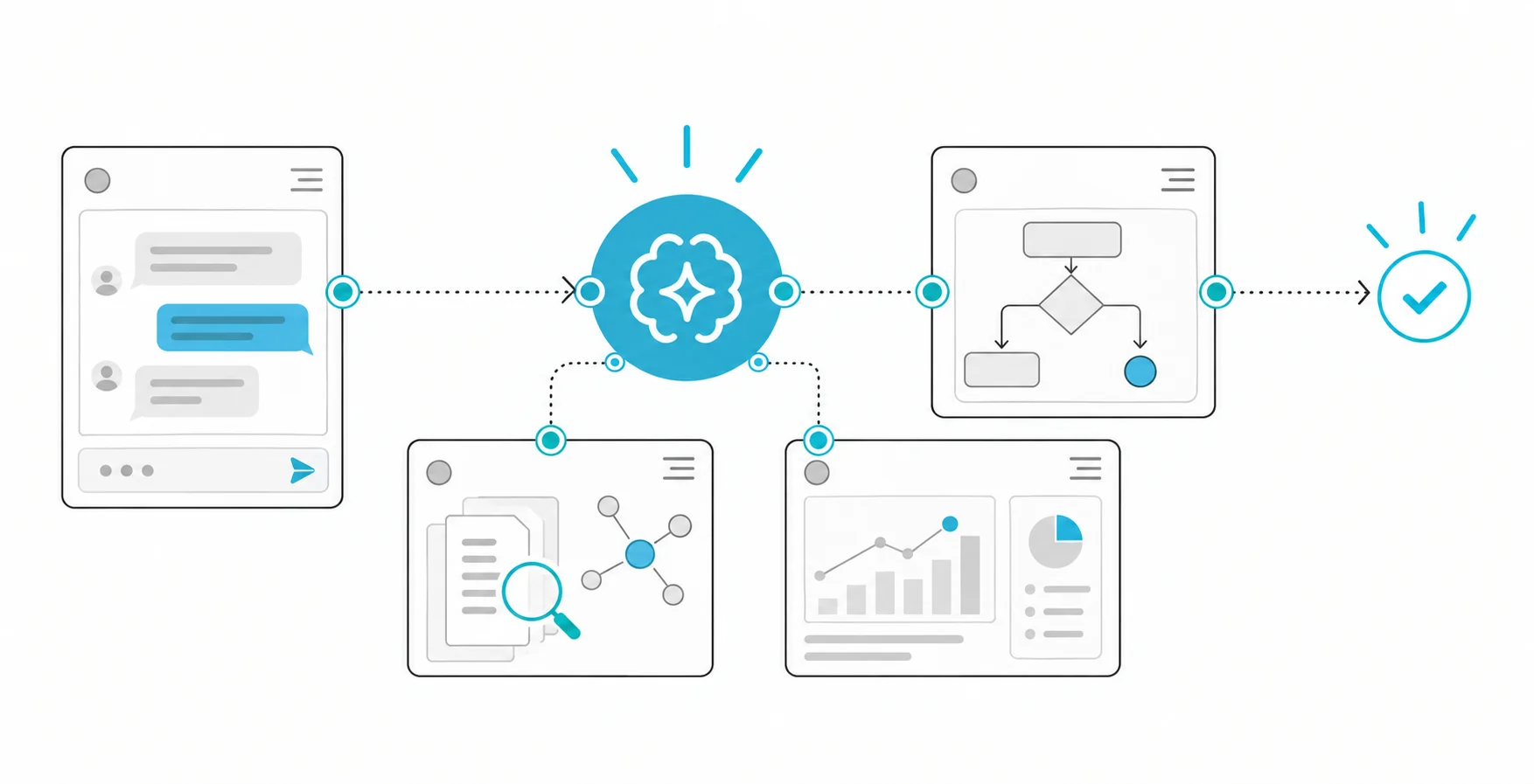
What is human in the loop, and why do AI agents need it?
An AI agent is a system in which a language model does not just write text but gets work done by calling tools: it reads an order record, writes to a customer, starts a refund, deletes a file. Human in the loop, or human approval, means an action the agent proposes is held until an authorised person decides on it. The point is not to slow the agent down; it is to leave the final say to a person wherever a mistake would be expensive or impossible to undo.
OWASP's list of risks for large language model applications covers this under excessive agency: giving an agent more functionality, permissions or autonomy than it needs. One of the recommended controls is requiring human approval for high-impact actions. The model may have been steered by a hidden instruction in a document, picked the wrong customer or misread an amount. The approval step is where that mistake is caught before it reaches the outside world.
Which actions need approval?
Putting every action behind approval soon turns the reviewer into someone who just clicks "approve". Classify tools by their impact instead:
| Action | Example | Recommendation |
|---|---|---|
| Read only | Looking up an order status | Automatic |
| Drafting | Preparing a reply email | Automatic; sending is a separate step |
| External communication | Sending an email to a customer | Approval, or a pre-approved template |
| Changing records | Updating an address in the CRM | Approval depending on field and value |
| Moving money | Starting a refund or payment | Always approval; two people above a threshold |
| Irreversible | Deleting a record or file | Always approval |
The line is set by amount, reversibility, the number of people affected and regulation. For actions that change or share personal data, obligations under KVKK, Türkiye's data protection law, are part of the classification too. Define separately which authenticated roles can propose and which can approve; for critical actions, the same person should not be able to do both.
Why approval must be enforced on the server
The most common mistake is leaving approval as an instruction to the model: "Ask the user before issuing a refund." The model can skip it, misunderstand it, or be talked out of it by attack text inside a document. Approval has to be a gate outside the model, in the server code that executes the action: the tool call simply does not run without an approved record.
Agent frameworks provide structure for this. In LangGraph, for example, the flow pauses with an interrupt at the point that needs approval; its state is saved and it resumes where it stopped once a decision arrives. Whichever framework you use, keep the approval record in your own database and tie execution to it.
Build a state machine for approvals
Track every action request through explicit states: proposed, pending, approved, rejected, expired, executed, failed. Each record should hold:
- A permanent action ID and creation time.
- The target (order, customer, file) and the exact parameters: amount, currency, recipient.
- The agent session that proposed it and the evidence it relied on: source records, the relevant policy clause.
- The risk reason: why this action needs approval.
- The approver, the decision, the decision time and any reason given.
The executing code should verify that the approval belongs to exactly the same immutable action payload. If the agent changes the amount or the recipient, that is a new proposal and needs a new approval. Give approvals an expiry time, so yesterday's approval does not count as permission on an account or document that has changed since.
Example: a refund for a damaged parcel
The agent reviews a customer complaint: the parcel arrived damaged, and there is a photo and a courier record. Policy says damage refunds under 50 euros are approved by the support team, and anything above needs the team lead as well. The agent proposes a 40-euro refund to the order's original payment method. The review screen shows the order ID, amount, currency, reason, photo, courier record and the relevant policy clause side by side. A support employee approves; the agent cannot change the proposal after approval.
The application sends the approved action ID to the payment provider as an idempotency key, so a network retry cannot create a second refund. It does not stop at a success message; it queries the final status at the payment provider and matches it to the record. When the same agent proposes a 120-euro refund, the record goes to the two-approver flow, and if the second approval does not arrive in time, the proposal closes on its own.
What a good approval screen shows
A reviewer can only decide as well as the screen allows. For high-risk systems, Article 14 of the EU AI Act on human oversight asks that the person overseeing the system stays aware of the tendency to over-rely on its output, known as automation bias, and is able to disregard the output and stop the system when needed. Even if your agent is not in the high-risk category, these principles describe a good screen:
- The action itself, in plain language: "Refund 40 EUR for order 48213 to the original card."
- The agent's reasoning and its sources, as clickable links.
- Why the action needs approval: amount threshold, personal data, irreversibility.
- Approve, reject and write-a-reason options; no one-click bulk approval.
- A way to stop this action and pending ones of the same type.
We cover the timeline of the rules for high-risk systems in our article on the EU AI Act 2026 timeline.
Rejections, failures and retries
Send the rejection reason back into the workflow, but do not give the model a way to retry the same action under a different name. Retry a failed execution only if the tool's contract guarantees a safe retry. An external service may have completed the operation despite a timeout; query its status before trying again. Keep a record of the proposal, the reviewer, the decision, the execution result and any later corrections. OWASP's AI agent security cheat sheet gives a wider framework for least privilege, monitoring and clear boundaries around tool use.
Measure review quality
Track whether the approval step actually works with these indicators:
- Approval rate: What share of proposals are approved? If nearly all are approved instantly, either the screen is not good enough or the action could be automated.
- Decision time: The median and the slowest 10 percent. Approvals that wait too long hurt the customer experience.
- Rejection reasons: The most frequent ones show where the agent goes wrong.
- Post-approval incidents: Actions that were approved but turned out wrong reveal gaps in the review screen.
- Unauthorised execution attempts: Tool calls attempted without approval should be zero.
If routine low-risk actions make up most of the volume, change the policy deliberately, based on what you observe. Do not quietly automate an action because the model sounds safe.
Common mistakes
- Relying only on an instruction to the model for approval.
- Showing the reviewer a summary of the action but not its exact parameters.
- Letting the agent change the action after approval.
- Not giving approvals an expiry time.
- Putting everything behind approval, wearing out reviewers, then switching to bulk approval.
How Hatson Tech builds this
Approval queues, review screens and audit logs are an integral part of putting an agent into production. We describe how we build them around agents on our AI agent development page. For the cost, monitoring and error-handling side of running agents in production, see our guide to AI agents in production; for the basics, see what AI agents are. Before applying this approach, check the sources against your own processes, permissions and the product versions you use.