

Can you build an app with AI tools, or do you need a software company?
Building an app with AI tools works for prototypes and small internal tools; a product that customers will use, and that handles money or personal data, usually needs a software team. A practical rule: if a failure only affects you, AI tools may be enough, and if it affects your customers or their data, hire a team.
People who search for "building an app with AI" are usually looking at two different kinds of tool. The first is the code assistant, which writes the screens and logic you describe as code, leaving you to run, secure and publish it. The second is the no-code or AI app builder, which assembles the app you describe from ready-made components in a hosted environment. Both are good at putting an idea on a screen within days.
The difficulty begins after that first screen. Sign-in and permissions, where data is stored, payments, notifications, store approval, version updates and who fixes a fault are what make up the real cost of an app. None of them shows up in a demo that merely appears to work. The table below shows which route suits which kind of project.
Which route suits which kind of project?
| Project type | Suitable route | What to watch |
|---|---|---|
| Idea test, investor demo | AI tools | The prototype should be disposable |
| Simple internal tool used only by your team | AI tools, with a developer reviewing | Keep real customer data out |
| Customer-facing app with accounts and personal data | Software team | Security and KVKK duties are yours |
| Product that takes payments or manages orders | Software team | Errors cost money and reputation |
| Must connect to existing ERP, CRM or accounting | Software team | Integration and testing are heavy |
| Mobile app for the app stores | Hybrid: prototype with tools, product with a team | Store rules and testing apply |
Where do apps built with AI tools get stuck?
The sticking points fall under five headings. Each is a separate piece of work that stands between a prototype and a product.
- Security: Code assistants can produce code that works but is vulnerable. The OWASP Mobile Top 10 lists risks such as improper credential usage, insecure authentication, insecure data storage and inadequate supply chain security. Only someone who knows what to look for can check them.
- Store publication: In its App Store Review Guidelines, Apple expects an app to offer more than a repackaged website and to link to its privacy policy from within the app. Gaps can lead to rejection.
- Testing requirements: For personal developer accounts created after 13 November 2023, Google asks for a closed test before production: at least 12 testers, opted in continuously for 14 days. The details are on Google Play's testing requirements page. Rules can change, so check the page before launch.
- Personal data: Any app that processes user data falls under KVKK, the Turkish data protection law. You need to know which server and which AI service handles the data, and the Turkish regulator's generative AI guide is a useful starting point.
- Maintenance: Operating system versions and libraries change. If nobody understands the code, the app may stop working after the first major update.
Which jobs do AI tools genuinely handle well?
These tools do best on work you can throw away if you do not like the result. A one-screen form, a dashboard that shows data in a table, a calculator, or a clickable mock-up for a customer meeting all belong in this group. A manager with no coding background can often do part of this work alone.
The tools struggle with vague, long-running work. User permissions, several roles, offline use, syncing with an old system and payments are all connected, and fixing one can break another. When nobody can say why the generated code was written the way it was, those breakages are found late. As a project grows, the work shifts from writing code to verifying it, and verification needs an experienced developer.
Watch the cost side too. Tool subscriptions look cheap, but months of trial and error, correction requests and an eventual rewrite can raise the total effort. You can only compare the routes fairly once the scope is written down.
What should you do before approaching a software company?
The most expensive mistake is going to a company without knowing what you want. A quick prototype made with AI tools is therefore good preparation: it makes screens and flows concrete and shortens the first meeting. Take the prototype along with written answers to these questions.
- What is the app's one-sentence purpose, and who are the first users?
- Which data will it hold, and which of it is personal data?
- Which systems (accounting, stock, CRM) will it talk to?
- Which jobs must work on day one, and which can wait?
- Who will maintain the app after launch?
- Whose name will the store accounts and the source code be under?
You do not have to carry the prototype's code into the product. Many teams treat a prototype as a design document and rebuild the product on a clean architecture. That is the real value of the hybrid route.
Which checks belong at the handover to a product team?
Before handing a project that began with AI tools to a team, or putting it live, run these checks:
- Code review: A developer should read the code line by line, looking for embedded passwords and keys, faulty authorisation and unnecessary permissions.
- Data map: Draw on paper which data goes where and which external services are called.
- Real-device testing: Try different phones and operating system versions, on a weak connection.
- Account ownership: Open developer, domain and cloud accounts in your company's name.
- Rollback plan: Make sure you can return to the previous version if a release goes wrong.
Example: which route should an appointment app take?
For example, suppose a beauty salon with 12 staff wants an appointment app. In the first week the owner uses an AI tool to produce a prototype showing the booking screen and a calendar. Showing it to the staff reveals three gaps: a cancellation flow, a reminder message and a calendar per staff member. The effort spent so far is small, and there is something concrete to decide on.
The app will hold customers' names, phone numbers and appointment history. That is personal data, and the app will also go on the stores. At this point it makes sense to give the product stage to a software team. The owner takes the prototype and the written answers to the six questions above, and the team firms up the scope in a discovery meeting. If the same salon had only wanted a shift table for staff, an AI tool plus a short developer review might have been enough. The scenario is hypothetical; the real scope and timeline are set in discovery.
How does the hybrid route work?
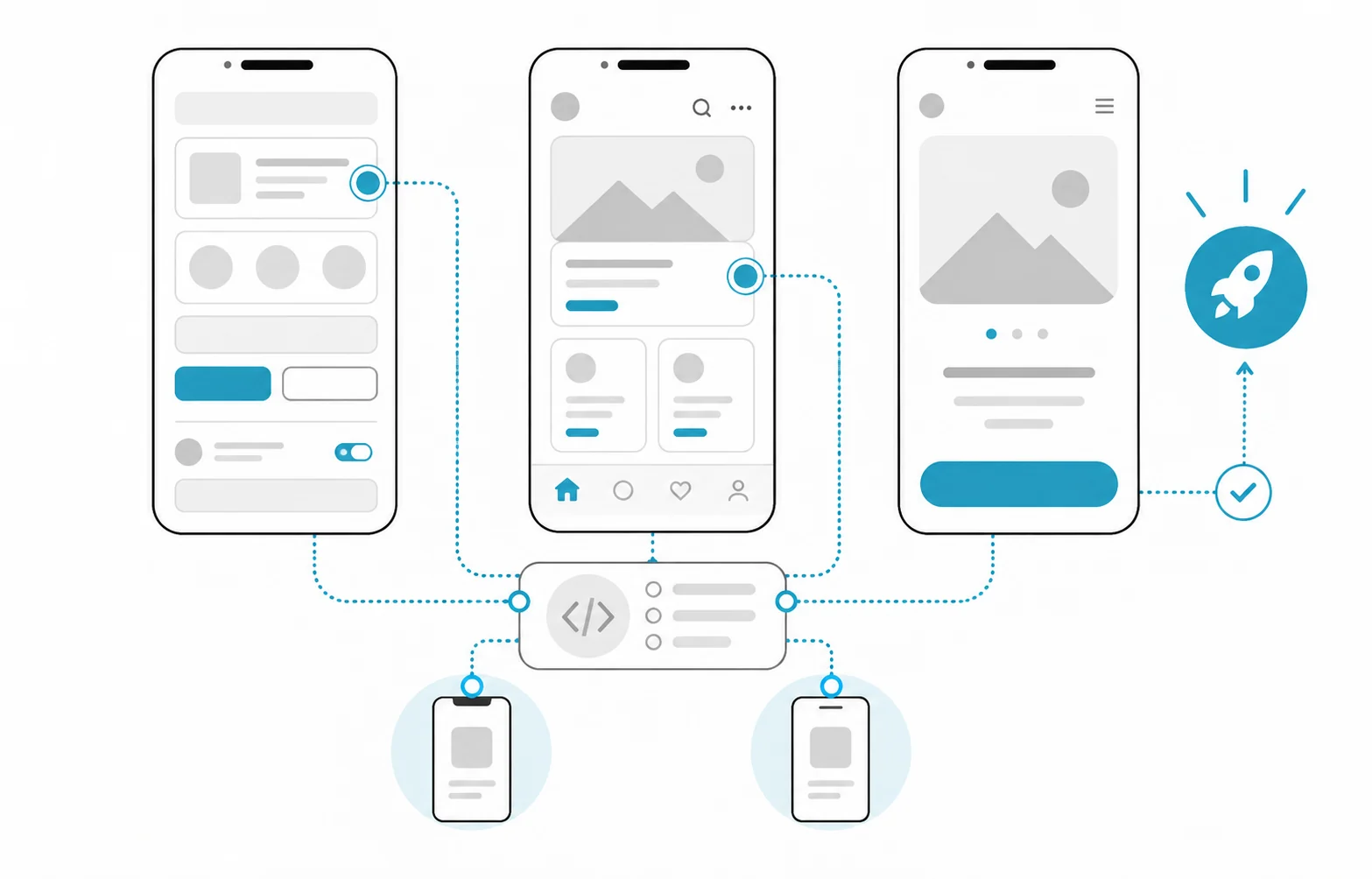
In the hybrid route the work splits into two stages. In the first, you build a clickable prototype with AI tools in a short time and show it to real users. In the second, a software team builds the product on a sound architecture using what the prototype taught you. The prototype is a tool for removing uncertainty; the team's job is to take responsibility for security, testing, release and maintenance.
- Prototype: Build the screens and the main flow, and show them to three to five people.
- Decision: Write down what is actually used, and drop features nobody touches.
- Discovery: Pin down data, integrations and store requirements with the team.
- Product: The team starts development and takes on security and testing.
- Launch and maintenance: Name who owns the store process, monitoring and updates.
What are the common mistakes?
- Treating the prototype as the product and loading real customer data into it at once.
- Nobody reviewing the code, so a working app is assumed to be a secure one.
- Leaving store approval and testing time out of the schedule.
- Leaving accounts and source code in one person's personal account.
- Not planning maintenance and being on your own at the first operating system update.
- Not checking the AI tool's terms of use or the licence position of the code it generates.
How Hatson Tech helps
At Hatson Tech the first meeting and discovery are free. If you already have a prototype made with AI tools, we use it as the starting document in our mobile application development process: together we decide what can stay as it is and what must be rebuilt. We do not publish fixed prices; the scope is settled after discovery.
For the wider decision, see our article on buying or building an AI solution and our guide to choosing an AI supplier.