

What is a field service knowledge assistant for?
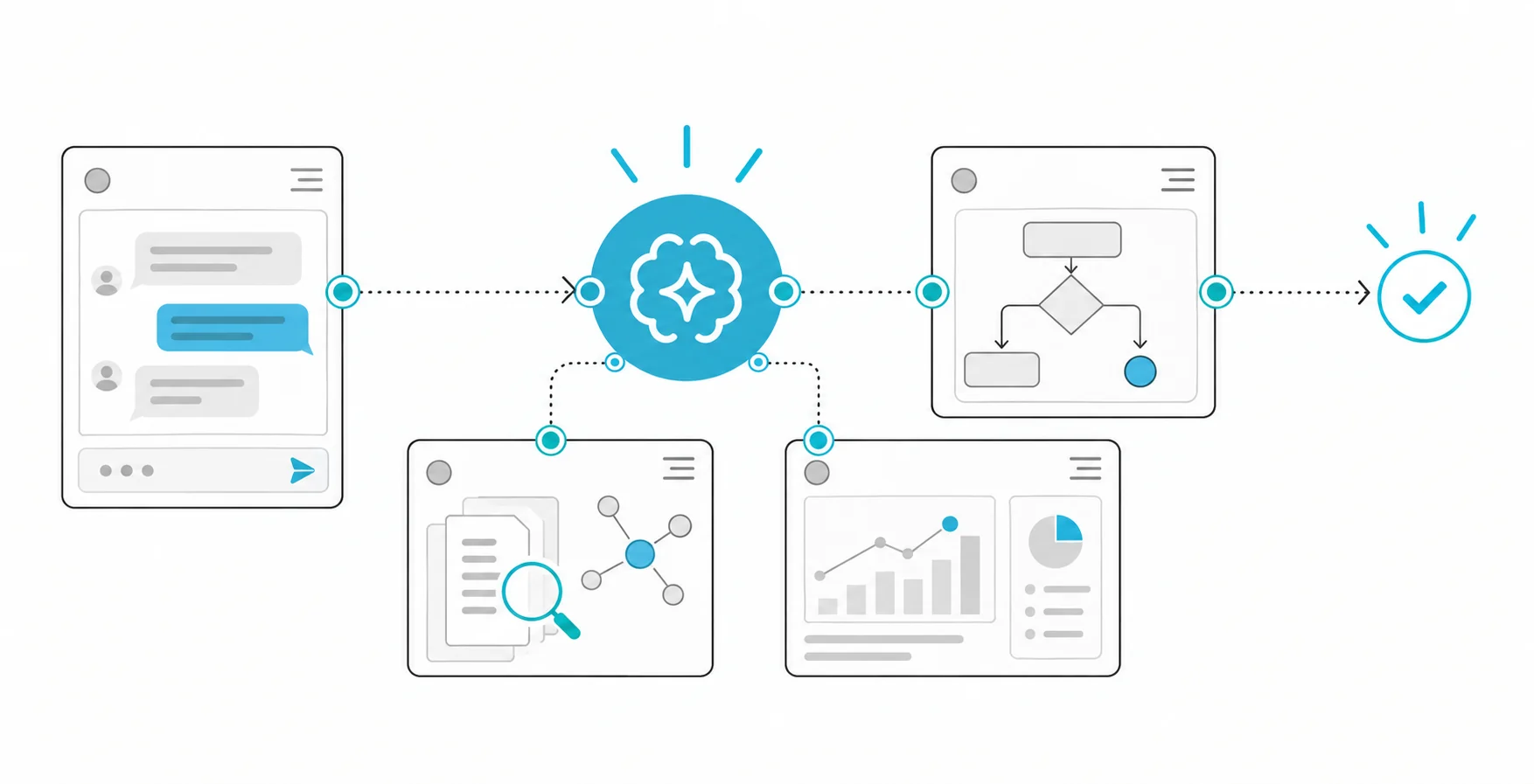
A field service knowledge assistant answers a technician's questions about fault codes, parts, procedures and safety steps from approved manuals, service bulletins and past fault records, matched to the equipment's model and revision and with its source shown. If the technician's job is to find the right page in a manual, the assistant shortens that search; it does not replace the right page.
Technically, this is a RAG system. In Microsoft's explanation of RAG, the application first retrieves relevant content from your own data, passes it to the model as grounding, and generates a response that can cite its sources. The same page states the limit plainly: if retrieval returns irrelevant or incomplete passages, the model can still produce incomplete or inaccurate answers despite grounding. In field service that limit is expensive; a setting value from the wrong revision or a skipped safety step can damage equipment and hurt people. So the design centres not on how fluent the model sounds but on whether the retrieved evidence is right.
What do technicians actually ask?
Collect real questions before designing the assistant: calls to the support line, phone calls to supervisors, notes on service forms and repeat-visit records are good sources. Sort the questions by type, because each type carries a different risk and needs a different answer format:
| Question type | Example | Answer rule |
|---|---|---|
| Fault code | "What does E-214 mean?" | The code's definition and a link to the related procedure |
| Procedure step | "Which test follows a filter change?" | Short steps, with the full procedure one tap away |
| Numeric value | "What is the tightening torque for this joint?" | Value and unit quoted verbatim from the source, never recalculated |
| Part compatibility | "Which seal fits this serial number?" | No answer if the serial range does not match |
| Safety | "What must I do before opening the cover?" | The warning shown in full, at the top |
Every question must be tied to an equipment model and revision. A general chatbot may assume that instructions for one device version apply to another; a field assistant must never make that assumption. Take the model and serial number from the barcode on the equipment or from the work order instead of asking for them as free text.
How should the sources be prepared?
Index only approved manuals and bulletins, and attach this information to every chunk: equipment model, serial range, revision, effective date, language, document owner and status (in force, or superseded). Keep section and page references so the technician can go from the answer to the source in one step. Microsoft's page also notes that an index can store fields that improve citation quality, such as document titles, URLs and file names.
Taking superseded bulletins out of the index matters as much as adding new ones, and it does not happen by itself. Azure AI Search's page on changed and deleted blobs explains that, for content in Azure Storage, indexers detect changes automatically from timestamps but do not track deletions in the data source; if no deletion detection policy is in place from the very first run, documents deleted before the policy was added stay in the index even after it is added. Whatever search platform you use, test how long it takes for a withdrawn bulletin to disappear from search. We cover managing several versions of the same document in our article on RAG over versioned documents.
How should the answer be presented?
Design the answer as short steps, a source and a way into the full procedure, not as a long paragraph. Every actionable step should show the manual title, revision and page. These rules are not negotiable:
- A mandatory safety warning is never hidden behind a collapsed section or summarised; it appears at the top in the source's own words.
- Values such as torque, pressure and temperature are carried over verbatim from the source, with their units.
- If two sources conflict, the assistant does not pick one; it shows the conflict with both sources and routes the technician to a supervisor.
- If no approved instruction is found, the assistant says so plainly and does not guess.
How does the assistant work without a connection?
In the field, a lost connection is not an exception but a design condition. Android's offline-first app architecture guide defines it this way: the app should remain usable without a reliable network connection, present local data immediately instead of waiting for the first network call, and treat the local data source as the single source of truth the app reads from.
For a knowledge assistant, the equivalent is an offline pack. Download to the device the approved manuals and bulletins for the equipment in the technician's assigned jobs, each with its version and an expiry date. Then define three behaviours depending on what is in the pack and how old it is:
| Situation | Assistant behaviour |
|---|---|
| Offline, pack current | Answers from passages in the pack and shows that the answer came from the offline pack, with the pack's date |
| Offline, pack expired | Shows the passages, with a warning at the top that bulletins published after that date are not in the pack |
| Offline, equipment not in the pack | Produces no answer; queues the question and answers it once the connection returns |
While offline, never give the impression that sources are being checked live. Passages the technician flags as wrong and feedback on answers should be queued on the device and sent when the connection returns; the Android guide describes this as queued writes and recommends draining the queue with exponential backoff once the device is back online.
Who generates the answer when the device is offline?
There are three ways to answer from an offline pack, and their order of risk is clear. The safest is search only: the device finds and shows the relevant passages and generates no text; the technician reads the source itself. The second is a small language model running on the device that writes a short answer from the pack's passages only; this option has to be tested separately against the device's processor, memory and battery limits. The third is holding the question until the connection returns. For most teams the right starting point is the first option: for fault-code and procedure questions, what the technician usually needs is not a summary but the right page. Leave generated answers to online use and to question types whose accuracy has been proven on the test set.
Hypothetical example: fault code E-214
At a customer site, a technician sees fault code E-214 on a pump's display. They scan the barcode on the equipment, and the assistant matches the model, revision 3 and the serial number against the work order. The technician asks, "E-214, what should I do?"
Retrieval returns two sources: the procedure in the fault-code section of the revision 3 manual, and a newer service bulletin that changes step four of that procedure. The assistant's answer comes in this order: at the top, the manual's safety warning in its own words; then five short steps, with a "changed by bulletin" note and the bulletin number next to step four; the tightening value with the unit given in the source; and at the bottom, a button that opens the full procedure. The revision 2 manual never appears in the answer, because its serial range does not match. Without a connection, the same answer arrives together with the pack's date. If the bulletin was published after the pack was prepared, the assistant cannot know about it, which is exactly why it shows the pack's date.
How do you design the interface for field conditions?
Test the assistant at a service location, not in the office: gloves, sunlight, noise and often only one free hand. Android's accessibility guidance recommends a touch target of at least 48dp x 48dp for every interactive element on touch interfaces, notes that larger is better, and asks for a colour contrast ratio of at least 4.5:1 for text smaller than 18sp. On a screen used with gloves, go well above that minimum. Voice input can be unreliable in noisy areas, so offer large buttons for the most frequent actions (choosing the model, entering a fault code, opening a procedure).
How do you test the assistant?
Build a test set from technicians' real questions plus the hard cases below. For each case, check not only that the answer reads well but that the source belongs to the right revision:
- A procedure asked for revision 3 of model A; similar wording from revision 2 is not acceptable.
- The subject of a withdrawn bulletin; the old bulletin must not appear in the answer.
- Two sources that contradict each other; the assistant must show the conflict.
- A question the manuals do not cover; the assistant must say it does not know.
- An emergency such as a gas smell or exposed wiring; the right behaviour is to stop and escalate, not to troubleshoot.
- The same question with a current and with an expired offline pack.
- Numeric value questions; value and unit must match the source exactly.
Numbers to measure: time to reach the approved instruction, the number of answers drawn from the wrong revision, the share of citations that point to the right page, and the escalation rate to supervisors. In the long run the real question is whether repeat visits and supervisor calls fall for the equipment types where the assistant is used.
How do you collect feedback from the field?
Technicians should be able to flag a wrong step or an outdated manual without editing the source themselves. The flag should go, with the equipment ID and the source page, to a named document owner, and the index should not change until that owner has reviewed it. Re-run the related test cases after every update.
Use the flags as a data source too. If the same manual section keeps getting flagged, the problem is most likely not in the assistant but in the document itself: a missing step, an ambiguous sentence or a diagram that does not match the equipment in the field. Pass these findings to the document owner as a regular list. One of the assistant's most valuable by-products is showing which parts of the manuals do not work in the field.
Common mistakes
- Answering without tying the question to an equipment model and revision.
- Assuming withdrawn bulletins leave the index automatically.
- Summarising or collapsing safety warnings.
- Presenting an offline answer as if it came from live sources.
- Testing the interface in the office, without gloves and with a good connection.
- Measuring success by usage counts and ignoring repeat visits.
Assistants that answer from manuals, fault records and maintenance procedures while citing their sources fall under the technical support and field service use case described on our enterprise RAG and semantic search service page.