

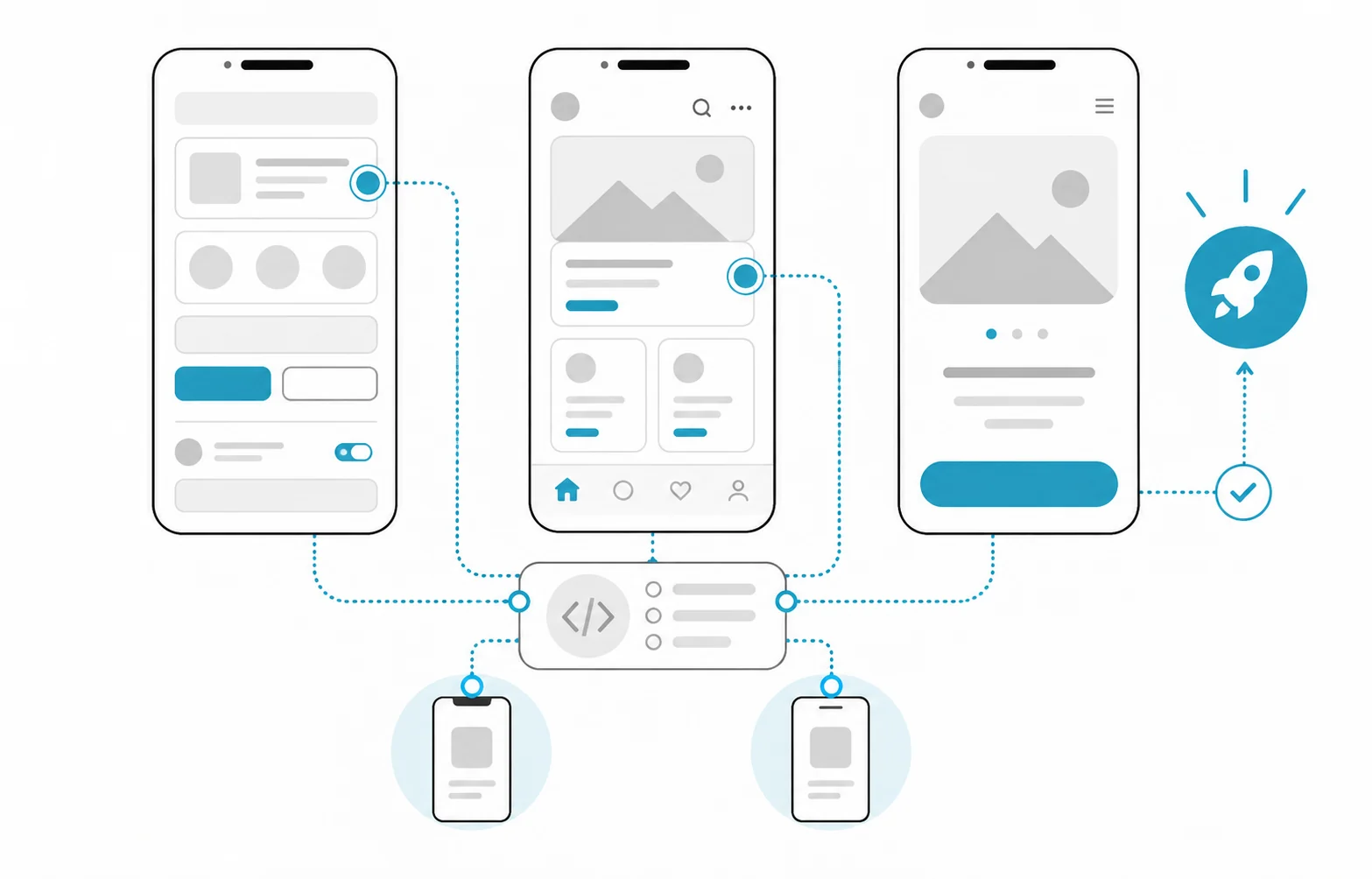
What determines the cost of having a mobile app built?
The cost of having a mobile app built is not set by a price list; it comes from how many work items the app contains and how many person-days each item takes. When two quotes for the same idea differ widely, the cause is usually not that one firm is expensive, but that the two firms assumed a different scope.
That is why the figures you see when you search for mobile app development prices can mislead. An appointment app and a field-service app that takes payments, connects to a stock system and has an admin panel look like the same category, yet the workload is very different. Hatson Tech does not publish fixed prices, because a reliable number only exists once the scope is clear.
The cost usually builds up like this: for every screen, integration and rule, the design, development and testing time is estimated; the total person-days are multiplied by a daily rate; store release, administration and maintenance are added on top. Drawing up your own list of items before you ask for quotes makes both your budget and the comparison of quotes much easier.
Which items push the cost up?
The table below contains no prices. Write your own answer against each row and take it to the supplier.
| Item | Question to ask | Effect on cost |
|---|---|---|
| Platform | iOS, Android or both? | Two platforms usually add testing |
| Screens and flows | How many screens and main flows? | Each screen adds design and test time |
| Server (backend) | Is data stored on a server, and who runs it? | Admin panel and API are separate work |
| Login and payment | Accounts, SMS verification, card payment? | Security and testing effort rises |
| Integrations | Which ERP, CRM or e-invoice systems connect? | Depends on the other system's documentation |
| Design | Ready-made components or a custom interface? | Custom design lengthens the schedule |
| Store release | Who opens the accounts, is the privacy text ready? | A rejection means a correction round |
| Maintenance | Who adapts to new operating system versions? | A recurring yearly cost |
How does the choice of platform affect the cost?
The platform decision is one of the biggest multipliers in the list. There are three routes, and none of them is cheap in every case.
- Android only or iOS only: The narrowest scope. If most of your users are on one platform (for example a single type of device issued to staff), it can be enough for a first release.
- Separate native development for each platform: Closest to the device features, but it means two code bases, so development and maintenance happen twice.
- Two platforms from one code base (cross-platform): Shared business logic is written once. If the app relies heavily on camera, location or background processing, platform-specific work can still appear.
Choose according to your users' devices, the device features you need and your maintenance plan, not according to the name of a technology. Ask the supplier to put in writing why they chose their route and which work the alternative would add.
What do store accounts and publishing cost?
You need a developer account to publish an app in a store. For Google Play, Google's developer account page states, as of 2026, a one-time registration fee of US$25, and the account can be personal or organisational. On the Apple side, the Apple Developer Program enrolment page describes enrolling as an individual or as an organisation; when enrolling an organisation, the person applying must have the legal authority to bind it. Check Apple's current membership fee on its own page, because fees and rules can change.
The fee is not the main point. What matters is whose name the account is opened in. If the software firm opens the account in its own name, ownership of the app in the store stays with it. Open the account in your company's name and give the supplier access as an authorised user.
Store rules also create work before release. The App Store Review Guidelines expect in-app purchases to be complete and visible to the reviewer, and the app description to reflect reality. Allow for a possible rejection in your timetable and in the quote, as a correction allowance.
Which costs continue after the app is published?
The work does not end when the app appears in the store. Putting the recurring items in the budget from the start avoids a surprise in the second year.
- Server and hosting: The monthly cost of the server that holds the data can grow as the number of users rises.
- Operating system compatibility: Apple and Google release new versions every year, and the app has to be adapted to them.
- Bug fixes: Real users find situations that testing never covered.
- New features: Flows added once usage data arrives are priced as separate work.
- Security updates: Vulnerabilities in the libraries the app uses have to be closed over time.
There are two common maintenance models: a fixed monthly fee, or a pool of hours bought in advance. Whichever you choose, ask for the response time and the treatment of out-of-scope work to be written into the contract.
What should you check when comparing quotes?
Compare quotes by scope, not by the bottom-line figure. Ask every supplier for the following:
- Screen and feature list: What is included and what is not, screen by screen, in writing.
- Person-day breakdown: Separate figures for design, development, testing and management.
- Platform and technology rationale: Why this route, and what would the alternative have been?
- Server and admin panel: Whose account hosts them, and who pays the monthly running cost?
- Store accounts and source code: Are the accounts and code repository opened in your company's name, and does the code pass to you at handover?
- Acceptance criteria: When does the work count as delivered, and how long do bug fixes take?
- Security approach: Will testing follow a framework such as the OWASP Mobile Top 10?
- Maintenance: Is the first year included, and if not, how is it charged?
What does a worked example look like?
For example, imagine a service company wants an Android app so that its technicians can see work orders and upload photos. The durations below are entirely hypothetical. They only show the logic of the calculation and do not describe a real project.
| Item | Hypothetical effort | Note |
|---|---|---|
| Analysis and screen design | 8 person-days | Assumes 12 screens |
| Mobile app development | 25 person-days | Login, list, detail, photo |
| Server and admin panel | 15 person-days | Includes work order management |
| ERP integration | 7 person-days | If the other side has a ready API |
| Testing and store release | 8 person-days | Includes one rejection round |
The total is 63 person-days. Multiply that by the firm's daily rate and you see the order of magnitude of the project fee; maintenance is calculated separately. If a second quote says 40 person-days, look at which row explains the gap: the ERP integration or the testing time may be missing altogether. If iOS is added to the same example, the testing and store rows grow again, however much code is shared.
How can you keep the cost under control?
Reducing scope does not mean lowering quality; it means making priorities clear.
- Keep the first release small: Start with one or two flows that do the user's main job, and add the rest based on real usage.
- Ask for staged delivery: See a working version at each stage and tie the payment schedule to those stages.
- Write the change rule up front: The quote should show how out-of-scope requests will be priced.
- Use ready-made components: For standard login, notifications and maps, existing solutions can reduce the time.
The method in our guide on defining the scope of an AI project can be adapted to mobile projects as well, to put the purpose and scope in writing.
What mistakes do companies make when commissioning a mobile app?
- Comparing quotes only by the total, and missing the difference in scope.
- Letting the supplier open the store accounts in its own name, then arguing about ownership later.
- Leaving maintenance out of the budget, although new operating system versions can break an app.
- Forgetting the server and admin panel; the screens are only one part of the budget.
- Not writing acceptance criteria, so that "it works" becomes a dispute about what that means.
- Trying to fit every feature into the first release.
How Hatson Tech helps
Hatson Tech holds the first meeting and the discovery work free of charge. In discovery we draw up the list of screens and integrations with you, explain each item in person-days and give the reasoning behind the platform choice in writing. We do not publish fixed prices; the price is prepared for you once the scope is clear. You can read how we work on our mobile application development service page.
If you are considering an app with AI features, our guide on the cost of an AI project explains the extra items. If you are thinking of renewing an older app, the application modernisation decision guide may help.