

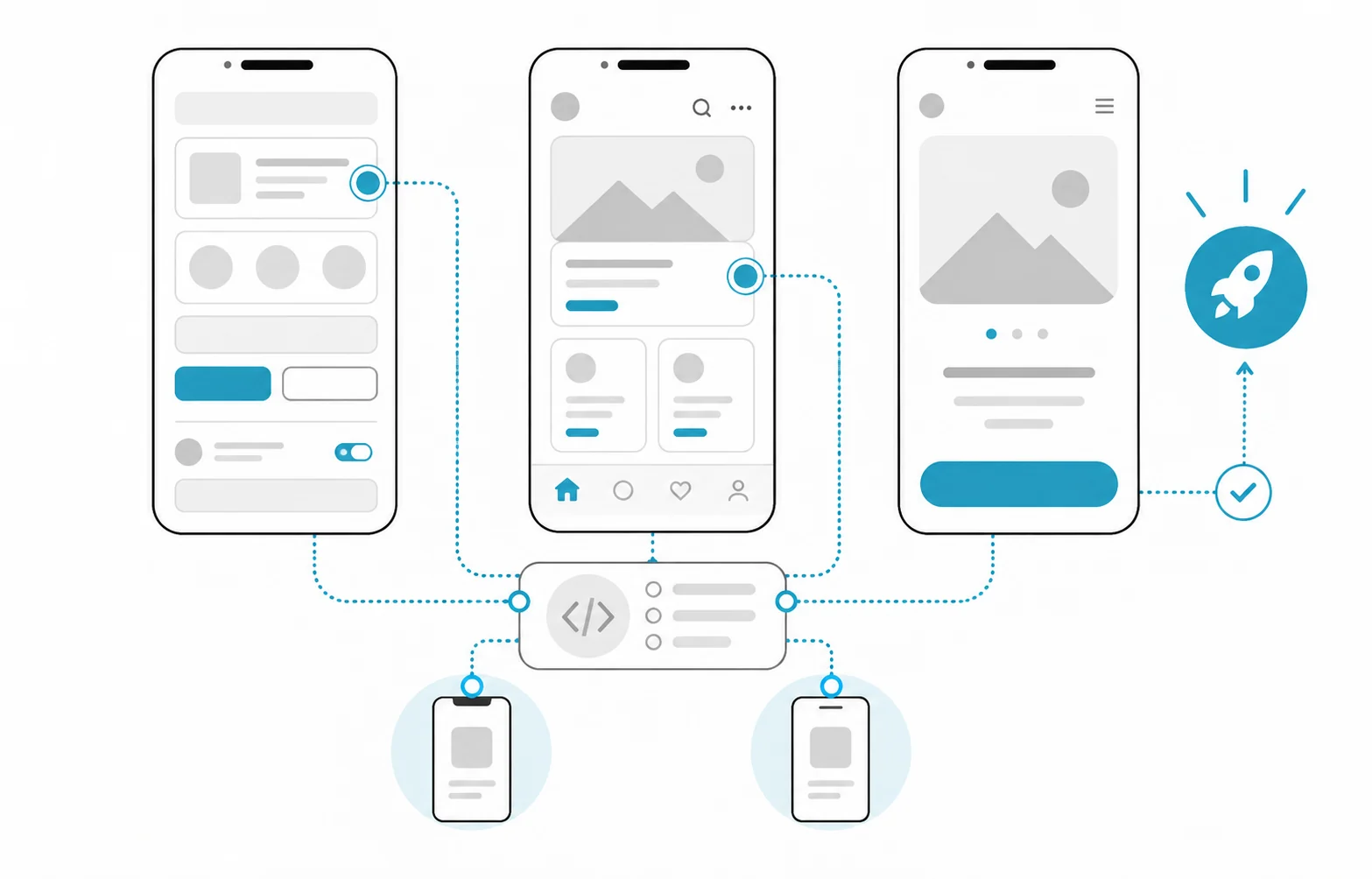
How does enterprise mobile app development work?
An enterprise mobile app goes through discovery, prototyping, first-release scope, architecture and back end, development in short cycles, testing, distribution and maintenance. What sets it apart from a consumer app is not the screens but what sits behind them: corporate sign-in, ERP or CRM integration, device management, how data is protected on the device, offline work in the field and how the app reaches employees. Most of these decisions are made at the start of the project and are expensive to change later.
| Phase | What happens | Output | Decision point |
|---|---|---|---|
| 1. Discovery | Users, moments of use, systems to connect, devices and security requirements are mapped | Scope note, integration inventory, risk list | Is an app really needed, or is a mobile-friendly web app enough? |
| 2. Prototype | Main flows are shown to real users in a clickable prototype | Approved flows | Do the flows match the work in the field? |
| 3. First-release scope | Functions, acceptance criteria and deferred items for the first release are written down | Scope document | Technology, distribution channel and security profile |
| 4. Architecture and back end | API, sign-in, notifications, admin panel and sync are designed | API contract, architecture decisions | Can the existing back end be used? |
| 5. Development | Short cycles, each ending with a build installable on test devices | Working builds | Priorities are reviewed at the end of each cycle |
| 6. Testing | Device and OS matrix, weak network, offline use, denied permissions, security testing | Test report | Are the release criteria met? |
| 7. Distribution | Store listings or enterprise distribution, privacy disclosures, staged rollout | Released version | Open to a pilot group first? |
| 8. Operations and maintenance | Crash monitoring, OS and store policy updates, new releases | Release plan | How long are older versions supported? |
Native, cross-platform or mobile web?
Choose the technology by what the app needs from the device and who will maintain it. Native development in Swift (iOS) and Kotlin (Android) gives the most direct access to platform features. Cross-platform tools such as Flutter or React Native target both platforms from one codebase and are extended with a native module when a device-specific feature is needed. For some enterprise needs, a mobile-friendly web app that never goes through a store is enough.
| Situation | Better fit | Note |
|---|---|---|
| Same flows on both platforms, a form-heavy business app | Cross-platform | List the native modules needed at the start |
| Heavy use of camera, Bluetooth, background location or barcode scanners | Native, or cross-platform with native modules | Check which platforms the device maker's SDK supports |
| All company devices on one platform, for example Android handhelds only | Native for that platform | Revisit if a second platform is ever needed |
| The app is opened rarely and installing it is a barrier | Mobile-friendly web app | Assess offline and notification needs separately |
| A healthy native app already exists | Continue on the existing codebase | Rewriting is a separate decision |
Ask two more questions before deciding: who will maintain the app, and what is that team skilled in? And are the security, device management and identity libraries you need supported in the chosen technology?
How is an enterprise app distributed: through a store or internally?
Customer-facing apps go out through the App Store and Google Play; apps used only by employees usually go through private channels. On Android, private apps on managed Google Play are visible only to the organisations you specify; one app can be restricted to up to 1,000 organisations and is published from the Play Console or from the organisation's EMM (enterprise mobility management) console. On Apple's side, the standard Apple Developer Program lets an organisation distribute custom apps to its own employees through Apple Business or Ad Hoc distribution, and beta builds through TestFlight. The Apple Developer Enterprise Program is only for specific internal use cases those options do not address; it requires 100 or more employees, a legal entity and a D-U-N-S Number, and passing Apple's verification interview.
Store rules shape scope directly. Building them into the design from the start avoids delays at review:
- Account deletion: The App Store Review Guidelines (5.1.1(v)) require apps that support account creation to offer account deletion within the app. Google Play also requires a web link where users can request deletion of their account and data.
- A working back end for review: Apple's guidelines (2.1) ask for demo account details and a live back-end service for apps with a login. For apps behind corporate sign-in, plan how that demo account will be provided from the start.
- Data use disclosure: Apple's guidelines (5.1.2) require clear disclosure of where personal data is shared with third parties, including third-party AI, and explicit permission beforehand. Every analytics or AI service you add affects this disclosure.
- Target API level requirement: Under Google Play's target API level requirement, from 31 August 2026 new apps and updates must target Android 16 (API level 36), and existing apps must target at least Android 15 (API level 35) to stay available to new users on newer Android versions. Permanently private apps restricted to users in one organisation are among the exceptions, so the distribution channel also affects the maintenance load.
- Account type: Google Play requires personal developer accounts created after 13 November 2023 to run a closed test with at least 12 testers opted in for at least 14 continuous days before releasing to production. For enterprise apps, opening the account in the company's name also keeps ownership of the app and its reviews with the company.
Which roles does the team need?
In an enterprise mobile project, having every role covered matters more than headcount; one person can hold several roles, but none should be empty. Some roles come from the vendor; some must come from your organisation.
| Role | Responsibility | From whom? | If missing |
|---|---|---|---|
| Product owner | Sets priorities, makes scope decisions, accepts the work | Your organisation | Decisions stall and scope drifts |
| Business analyst | Writes down flows, rules and exceptions | Vendor or your organisation | Development runs on assumptions |
| UX/UI designer | Designs flows, prototype and interface in line with platform conventions | Vendor | Users do not adopt the app |
| Mobile developer | Builds the iOS and Android app or the cross-platform code | Vendor | There is no app |
| Back-end developer | Builds the API, identity, notifications, sync and admin panel | Vendor | The app is a shell waiting for data |
| Tester | Runs the device matrix, regression, offline and security scenarios | Vendor; your organisation for acceptance | Bugs are found in the field |
| Release and infrastructure | Build pipeline, signing, store or EMM release, monitoring | Vendor | Every release is manual and risky |
| Corporate IT and security | Identity provider, device management, network and security policy | Your organisation | Integrations are left to the last minute |
| Data controller and legal | KVKK privacy notice, need for explicit consent, retention periods | Your organisation | Privacy questions surface just before release |
| Pilot users | Try the prototype and test builds in real work | Your organisation | The app works at a desk but not in the field |
How do you plan mobile app security?
The most practical way to plan security is to write the target security profile, based on OWASP MASVS, into the request for quotes. OWASP MASVS (Mobile Application Security Verification Standard) divides the mobile attack surface into eight control groups. OWASP's MAS testing profiles provide default levels chosen by threat model: in MAS-L1 other apps on the device are the adversaries; in MAS-L2 the operating system cannot be trusted and attackers may have physical access to the device; in MAS-R the device's own user may be the attacker; MAS-P focuses on protecting personal data. OWASP recommends a threat model for the specific app where possible, and these default profiles where it is not.
| MASVS group | Question to ask | Typical design decision |
|---|---|---|
| MASVS-STORAGE | Which data stays on the device, and for how long? | Keep sensitive data to a minimum; keys live in iOS Keychain and Android Keystore |
| MASVS-CRYPTO | Where does encryption happen, and with which keys? | Use the platform's cryptography; never embed keys in the app package |
| MASVS-AUTH | Where are authentication and authorisation enforced? | Single sign-on with the corporate identity provider; authorisation checked on the server |
| MASVS-NETWORK | How is traffic protected? | All traffic encrypted; certificate pinning decided by threat model |
| MASVS-PLATFORM | How does the app interact with the system and other apps? | Permissions requested only when needed; deep links and sharing flows controlled |
| MASVS-CODE | How are dependencies and inputs managed? | Dependencies updated regularly; the oldest supported OS version written down |
| MASVS-RESILIENCE | Is reverse engineering or tampering a real risk? | Added only if the threat model calls for it |
| MASVS-PRIVACY | Which personal data is collected, and why? | Data minimised; third-party SDKs listed and kept consistent with disclosures |
The threat model decides the profile. If devices can be lost with customer data on them, look at MAS-L2; if users abusing the app's business logic is a risk, look at MAS-R. Write the chosen profile into the quote; otherwise vendors price different security work.
What are the cost lines of an enterprise mobile app?
Cost depends less on screens than on the back end, integrations, device and OS coverage, the security profile and maintenance after launch. We give no prices; these are the lines you should see separately in a quote:
| Line | Depends on | One-off or ongoing? |
|---|---|---|
| Discovery and UX design | User groups, number of flows, prototype testing | One-off; repeated for major releases |
| Mobile app development | Number of platforms and flows, native modules needed | First release and every new release |
| Back end, API and admin panel | State of the existing back end, roles, reports | First release plus maintenance |
| Integrations | ERP, CRM, identity provider, payments, maps | First release; again when the other system changes |
| Offline work and sync | Data volume and conflict rules | One-off; again if the rules change |
| Testing | Device and OS list, level of automation | Every release |
| Security testing | Chosen MAS profile, need for independent testing | First release and major releases |
| Distribution | Developer accounts, store listings, EMM configuration | Set up once; release every version |
| Third-party services | Notifications, maps, SMS, analytics, crash reporting | Ongoing, by usage |
| Hosting | Back-end traffic, storage, number of environments | Ongoing |
| Maintenance | OS releases, target API requirement, dependency and security updates | Ongoing |
| Your own team's time | Product owner, IT team, pilot users | Throughout the project |
The two lines most often forgotten at quote stage are the list of supported devices and OS versions and maintenance after launch. Widening the list adds test effort to every release; leaving maintenance out puts the app at risk of falling behind store requirements.
Why is maintenance after launch unavoidable?
A mobile app is never quite "finished", because the platform it runs on keeps changing. In Google's words, every new Android version introduces changes that bring security and performance improvements; public apps must meet the target API requirement, Apple and Google update store rules, libraries publish security patches, and back-end changes affect devices still running older versions in the field. Look for these points in a maintenance agreement:
- OS calendar: Testing the app during the beta period of new iOS and Android versions.
- Mandatory updates: Who is responsible for target API and store policy changes, and how compatibility with new OS versions is kept even for a privately distributed app.
- Dependency and security updates: How often libraries are reviewed.
- Old-version policy: How older versions in the field are supported when the API changes, and how a forced update is triggered.
- Monitoring: Collecting crash and error reports without personal data, and who follows them up.
- Account and key ownership: Developer accounts, signing keys and certificates held in the organisation's name.
- Privacy disclosures: Updating store disclosures whenever a new SDK is added.
Hypothetical example: a work-order app for a field service team
This example is hypothetical and does not describe a real client. An equipment service company wants its technicians to close work orders in a mobile app instead of paper forms. Some technicians use rugged Android devices issued by the company, others company iPhones, and some service sites have no connection. The app must pull work orders from the ERP, attach photos and the customer's signature, and write closed jobs back to the ERP.
| Decision | Choice | Reason |
|---|---|---|
| Technology | Cross-platform, with native modules for camera and barcode | The same form-heavy flow on both platforms; limited hardware needs |
| Distribution | A managed Google Play private app on Android, a custom app through Apple Business on iOS | The app is for employees only, and devices are managed through EMM |
| Identity | Single sign-on with the company's identity provider | A leaver's access is closed centrally |
| Offline | Work orders downloaded to the device in advance; closures queued | No data lost at sites without a connection; the conflict rule is written down |
| Security profile | MAS-L1 as the base, plus MAS-L2 controls for customer data kept on the device | The lost-device scenario is in the threat model |
| Test coverage | The device models in the field and the oldest supported OS versions | The test matrix comes from the real device inventory |
Because the app is permanently private to the company, it falls under the exception to Google Play's target API requirement; compatibility testing with new Android and iOS versions still stays in the maintenance plan. Here, the two lines that move cost most are not the screens but offline sync and the ERP integration. That shapes the first discovery question: does the ERP have an API for work orders, and who holds the test environment? If the company already has an ageing field app, our application modernisation decision guide covers the choice between rewriting and renewing in stages.
Which questions should you ask vendors when requesting a quote?
- In whose name will developer accounts, signing keys and source code be held?
- Which MAS profile is targeted, and how will it be verified?
- What is the list of supported devices and OS versions, and on which real devices will testing happen?
- Which rule applies to conflicting records in offline work?
- Are the back end and admin panel included in the quote?
- Does the maintenance agreement cover mandatory platform updates and store policy changes?
- Who is responsible for store or EMM release, privacy disclosures and the review process?
- Which documents are handed over at the end, and how could another team take over the app?
For exit and handover clauses, the questions in our guide to choosing a development partner apply to mobile projects too.
How Hatson Tech runs enterprise mobile projects
We deliver the app together with its back end and admin panel as one team, from design through store release to maintenance after launch. We recommend opening the developer accounts in your company's name, so the app, its users and its reviews stay with you. We do not have a price list; the first meeting and discovery are free, and later phases are quoted in writing once the scope is clear. You can read more on our mobile app development page. Tell us who the app is for, which devices it will run on and which systems it must work with, and we can settle the first-release scope and platform choice together at the first meeting.